Apple Podcasts Video Guide (2026): How It Works & How to Publish
Apple Podcasts now supports video via HLS streaming. Learn how it works, how to publish video podcasts, and what it means for podcasters.
· Guides
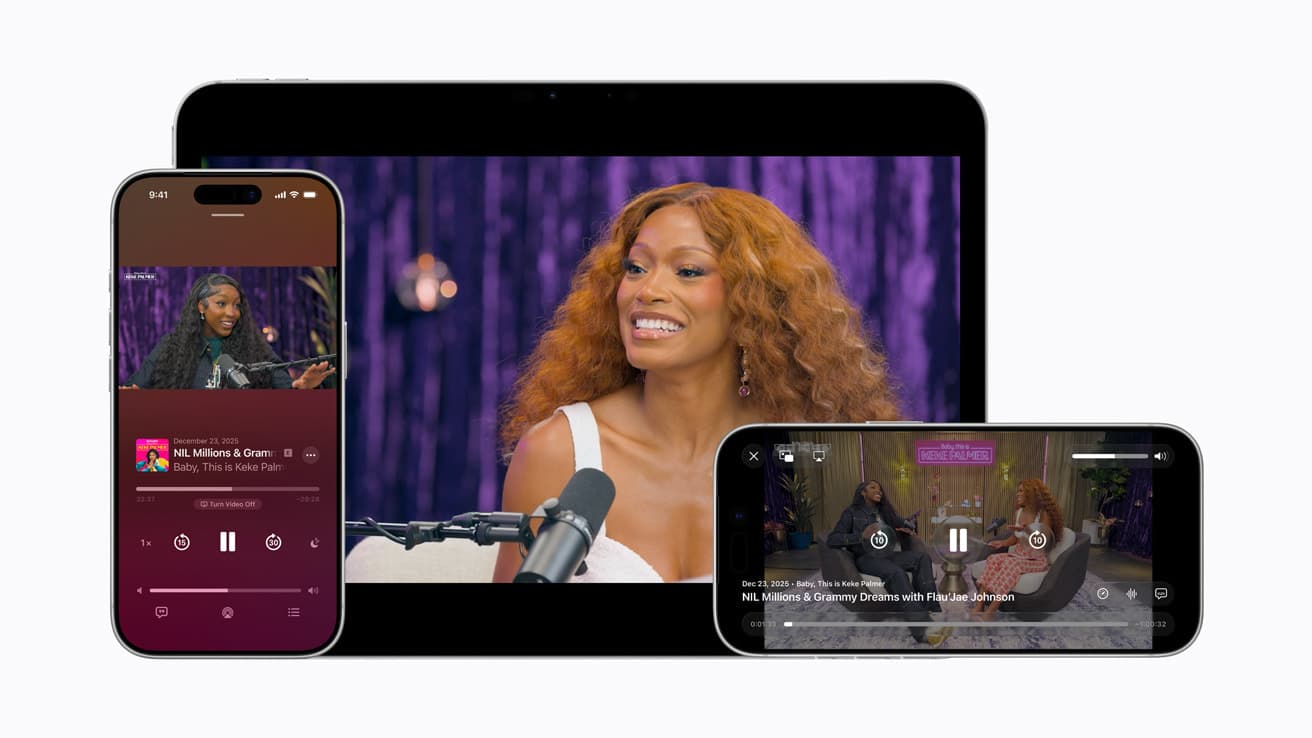
What Is Apple Podcasts Video?
Apple now allows podcasters to publish video episodes directly to Apple Podcasts alongside audio using HTTP Live Streaming (HLS).
Instead of downloading large MP4 files, video is streamed in real time. This makes playback faster, more reliable, and fully synchronized with audio.
For podcasters, this means you can publish a video podcast on Apple Podcasts via your hosting provider without creating a separate show or managing multiple RSS feeds.
When Did Apple Podcasts Add Video?
Apple announced native video podcast support on 16 February 2026.
This marked a shift from legacy downloadable video files to modern streaming, bringing Apple Podcasts in line with platforms like YouTube and Spotify.
How Apple Podcasts Video Works
Apple Podcasts video is powered by HLS, an adaptive streaming format designed for smooth playback across devices and connection speeds.
Here’s what’s changed:
Video is split into small segments instead of one large file
Playback starts instantly (no full download required)
Quality adjusts automatically based on connection speed
Audio and video stay perfectly synchronized
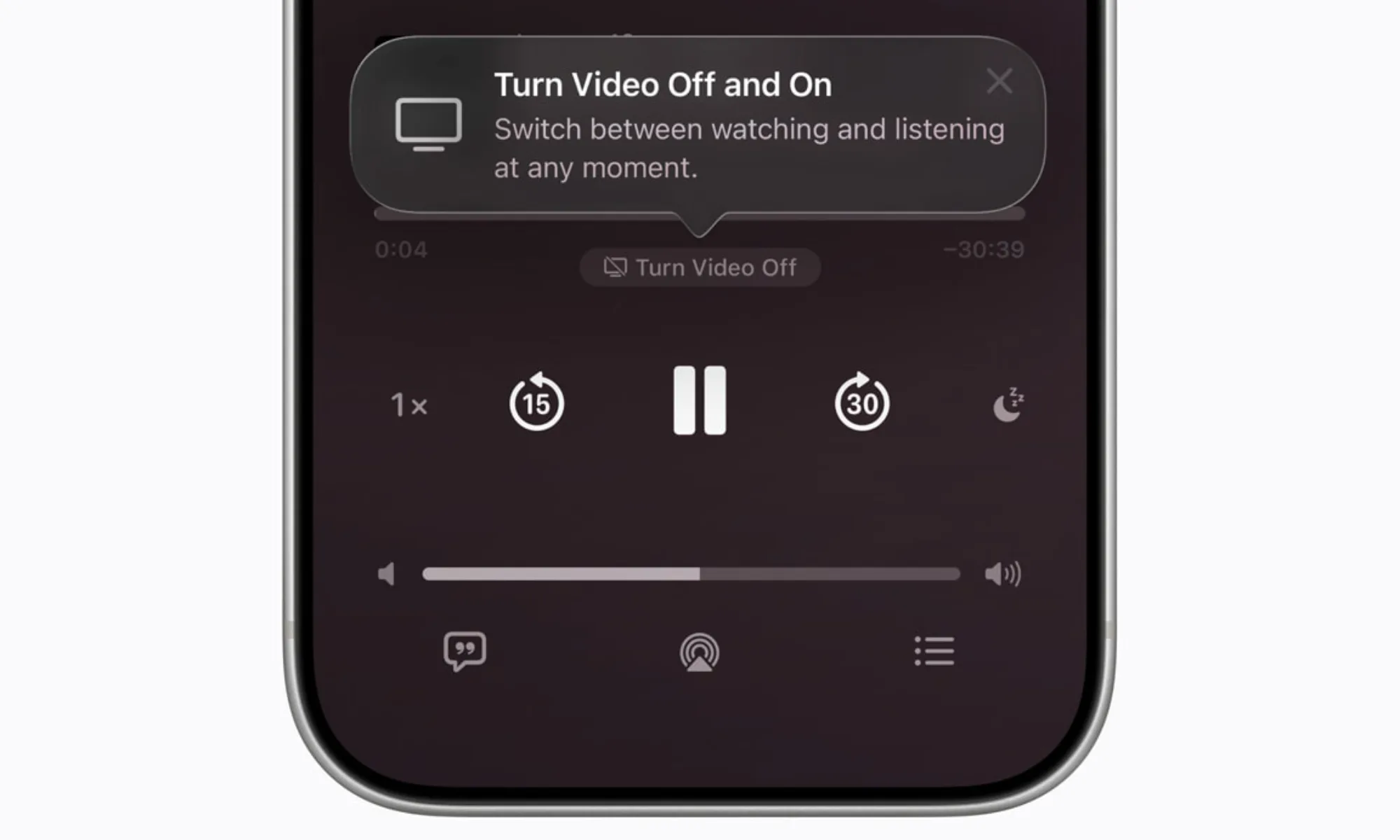
Listeners can start an episode in audio and switch to video at any point without losing their place.
Why HLS Video Matters for Podcasting
Before HLS, video podcasting on Apple Podcasts was fragmented and unreliable.
Video required a separate RSS feed
Audiences were split between audio and video
Large MP4 downloads often failed or buffered
HLS removes these barriers.
Video is now streamable, stable, and integrated into the core podcast experience. For the first time, video becomes a practical extension of a standard podcast workflow—not a separate distribution strategy.
What Apple Podcasts Video Means for Listeners
For users on iOS 26.4 and above, video is now built directly into the Apple Podcasts experience.
Listeners can now:
Watch full-screen video
Use picture-in-picture
Send playback to other devices (AirPlay)
Switch seamlessly between audio and video mid-episode
Download episode for offline viewing
Discover podcasts that support video
What Apple Podcasts Video Means for Podcasters
You can now serve both audio-first and video-first audiences from a single podcast feed.
Audio remains the default format, with video added as an optional layer.
According to The Infinite Dial 2026, Apple Podcasts accounts for around 20% of daily listening hours. Although it has fallen behind YouTube (32%) and Spotify (25%), it's still the default podcast app on iPhone. Video support now makes it more important than ever,
Importantly, the rollout is still early:
Not available in all regions yet
Limited hosting platform support
Low competition (for now)
This creates a window for early adopters to stand out before video on Apple Podcasts becomes standard.
If your podcast is still audio-only, this is the time to experiment.
But be clear on the trade-offs: it requires new skills, additional equipment, more production time, and potentially higher hosting costs. Not every podcast needs video, and audio-only podcasts are still doing just fine.
How Monetization Works with Apple Podcasts Video
HLS enables dynamic video ad insertion for the first time on Apple Podcasts, alongside traditional host-read sponsorships.
Apple takes a different approach from platforms like Spotify and YouTube, giving podcasters more control. Dynamic video ads can be inserted by your hosting provider, but only if you opt it. Apple plans to charge ad networks (not creators) per impression for delivering these ads.
If you have host-read ads, your sponsor segments can now be visual instead of audio-only. Apple does not take a cut from host-read ads.
It will also be possible to publish exclusive video episodes through your native Apple Podcasts subscription (if this is something your hosting provider supports).
How to Publish a Video Podcast on Apple Podcasts
Before getting into the steps, it’s important to understand how video works on Apple Podcasts.
Unlike platforms like YouTube or Spotify, you don’t upload your video podcast directly to Apple. Instead, your hosting provider handles everything—processing your video, converting it into HLS format, and delivering it to Apple Podcasts.
This means you’re still publishing a podcast, not a standalone video. The video simply becomes an additional format within your existing show.
Step 1: Use a Supported Podcast Host
Apple requires hosting platforms to support HLS video delivery.
Launch partners include Acast, ART19, Omny Studio, and Simplecast, with others such as Transistor and Captivate rolling out support.
Fountain will be one of the first podcast hosting providers to support HLS video delivery to Apple Podcasts.
Want to get early access? Join the waitlist .
Step 2: Upload Your Video Episode
Record your episode as normal. Apple recommends:
1080p resolution
16:9 aspect ratio
Upload your video (typically MP4) to your hosting provider, and they will handle the rest.
Step 3: Distribute to Apple Podcasts
After uploading your video to your hosting provider, and they handle delivery to Apple Podcasts via their API.
There’s no need to:
Upload files manually to Apple Podcasts Connect
Create a separate podcast and manage multiple feeds
Step 4: Track Performance
Apple Podcasts Connect now includes video metrics, while hosting platforms provide deeper analytics.
If you’re using Fountain, you can track audio vs video consumption, completion rates, and engagement across platforms.
The Future of Video Podcasting
Apple’s move signals a broader shift: video is becoming part of podcasting—not a separate category.
As more hosting platforms roll out support, expect:
More hybrid podcasts (audio + video)
Increased competition for attention
Improved video discovery surfaces
Better monetization options
But audio isn’t going anywhere.
Get Started
If you're already providing video, make sure your video is front and center in Apple Podcasts as soon as it launches globally.
Fountain will be one of the first podcast hosting providers to support HLS video delivery to Apple Podcasts.
Want to get early access? Join the waitlist.
Resources
More from the blog
See all posts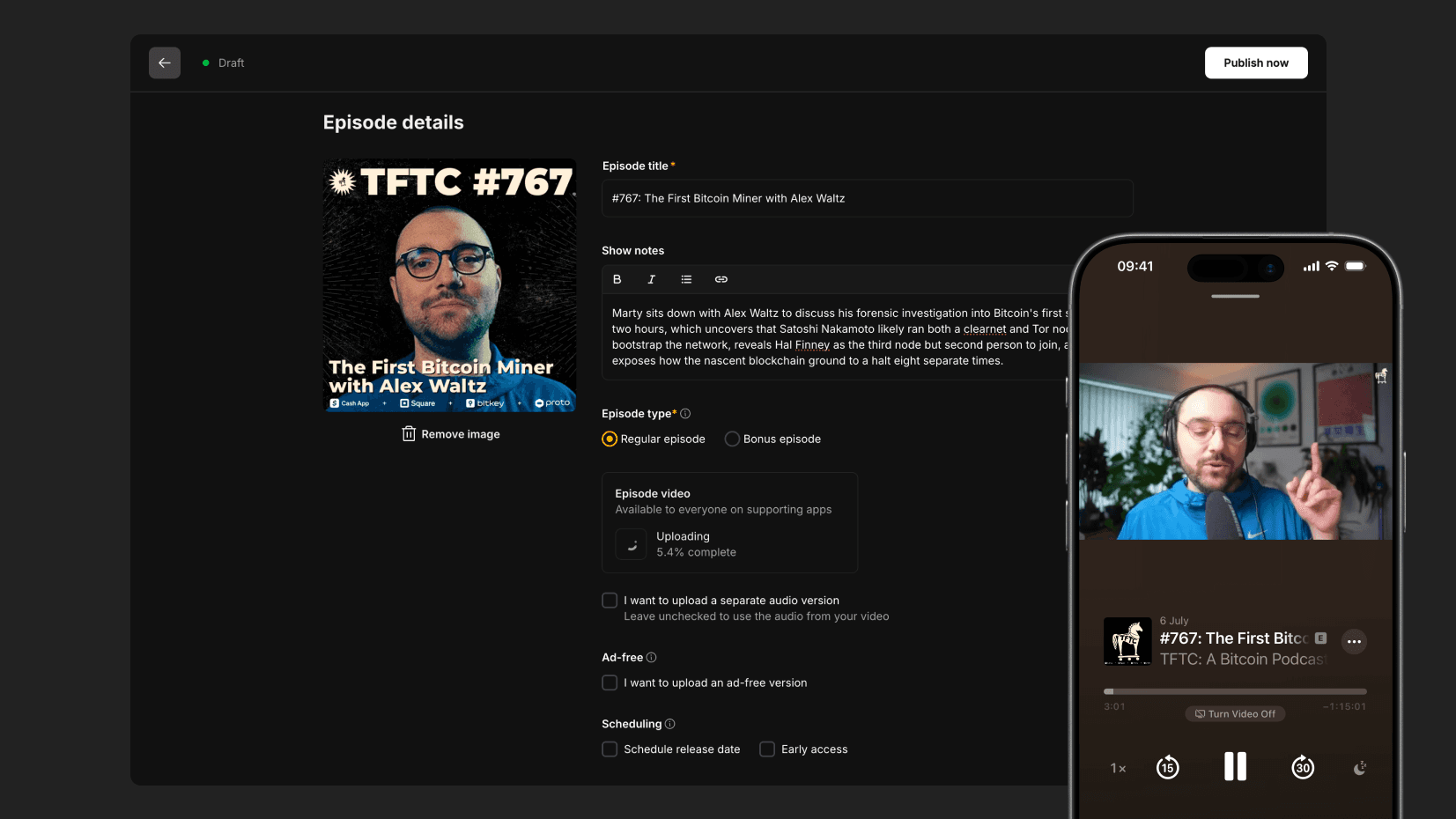
Publish Video to Apple Podcasts with Fountain
With Fountain for Podcasters, any videos you upload will automatically be made available in Apple Podcasts in 1080p resolution with no monthly limits.
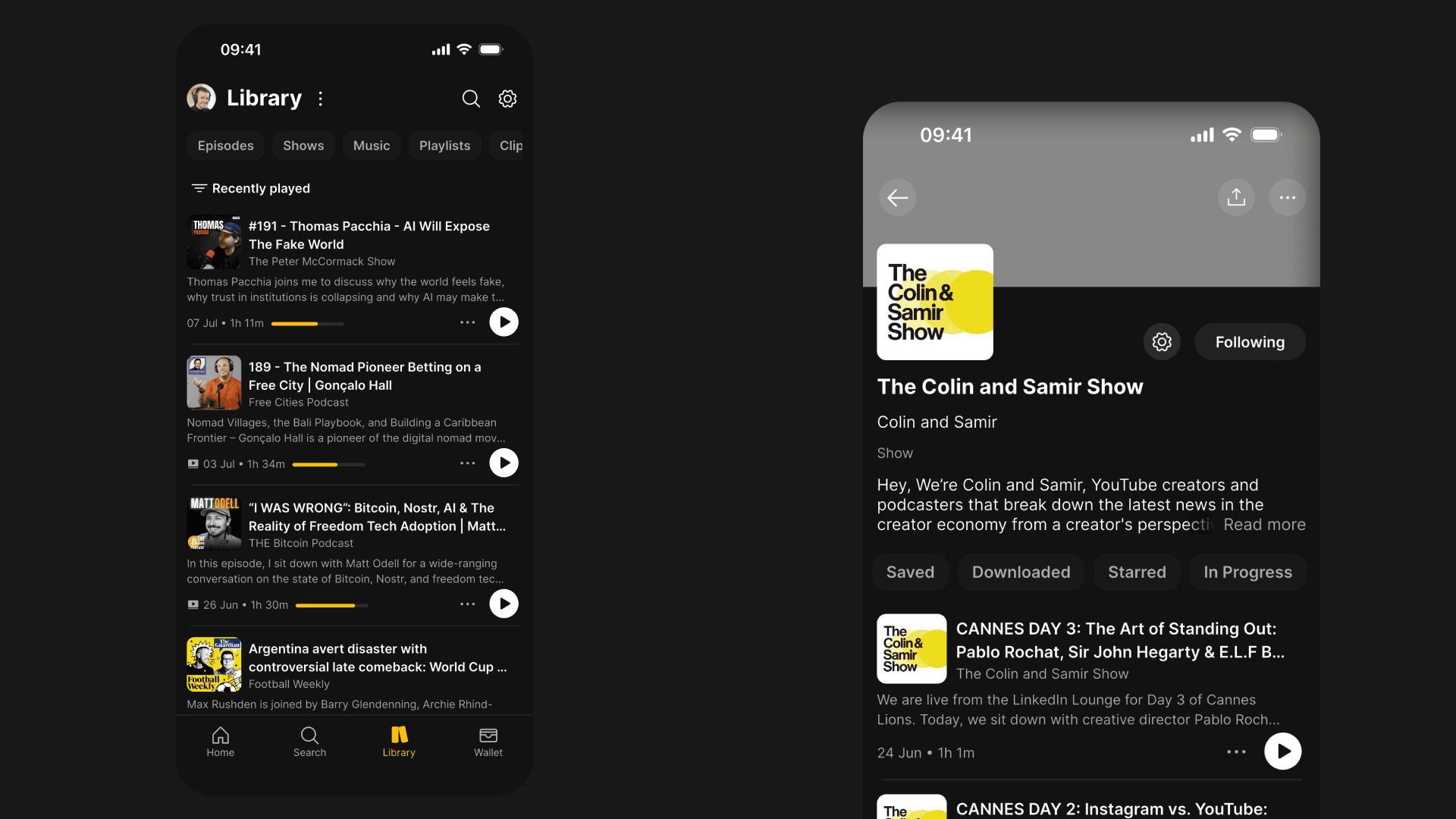
Fountain 1.5.5 - Library and Content Page Improvements, Clips and Highlights
We’ve improved the UX of the Library, content pages and clipping tool, and added Highlights to make it easier to share quotes from podcasts.
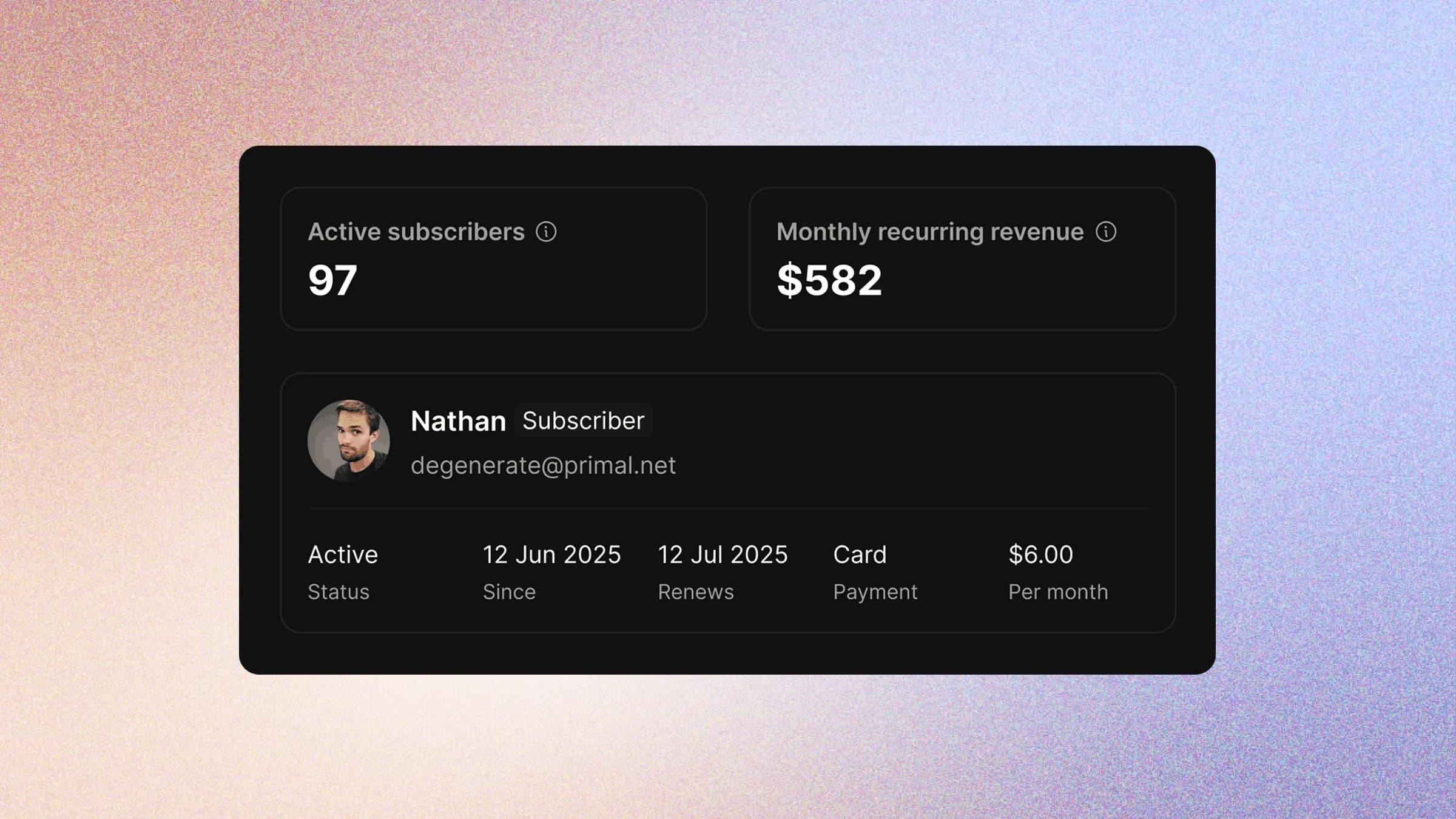
Podcast Subscriptions: The Complete Monetization Guide (2026)
Podcast subscriptions let you monetize directly from listeners. Learn which shows benefit most, subscription options, success metrics, and how Fountain makes it easier than ever.